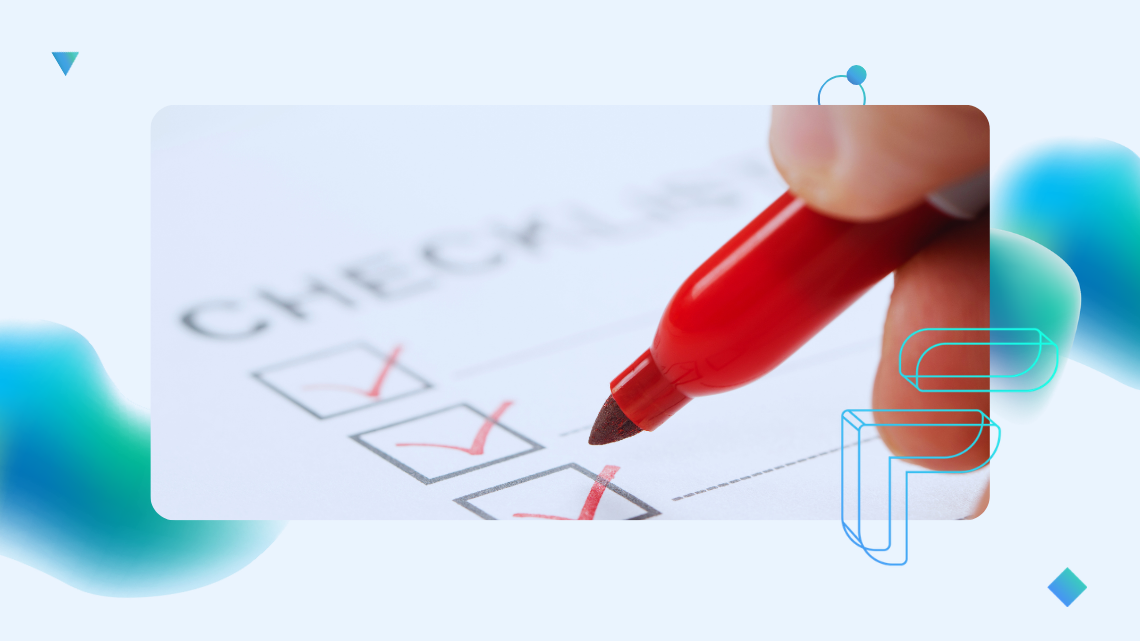
Checklist Before Replacing a Legacy System – 7 Areas to Review
The decision to replace a legacy system is one of the most costly and risky technology-business decisions an organization can make. A legacy system replacement checklist helps determine whether the organization is truly ready for a replacement – or whether decisions are still based on assumptions and intuition. Before planning anything, it is worth pausing and honestly answering several specific, sometimes uncomfortable questions.
1. Understanding the system – the foundation of everything
Before moving forward, answer the following questions. If any of them remain unanswered, it should be treated as a warning signal:
- Do we know what the system actually does, not only what it should do?
- Do we understand the real dependencies in the code – modules, integrations, and critical points?
- Can we identify the most risky parts of the system?
- Do we know which elements are critical, which are important, and which could potentially be phased out?
- Is knowledge about the system accessible to the whole team, not just a few individuals?
- Do we have clearly defined metrics and a goal we want to achieve after the replacement?
If the answers rely mainly on people’s memory, that is already a warning sign.
2. Documentation before replacing a legacy system
Documentation is a prerequisite for project success. Before making a decision, check the following:
- Is the documentation up to date, does it cover the entire system, and does it reflect the actual code?
- Can we quickly find answers to questions such as: “Where is this logic located?”, “What does it depend on?”, or “What will happen if we change it?”
- Is the documentation maintained alongside the code, rather than treated as a one-time artifact?
In replacement projects, documentation is not an optional extra – it is a condition for success.
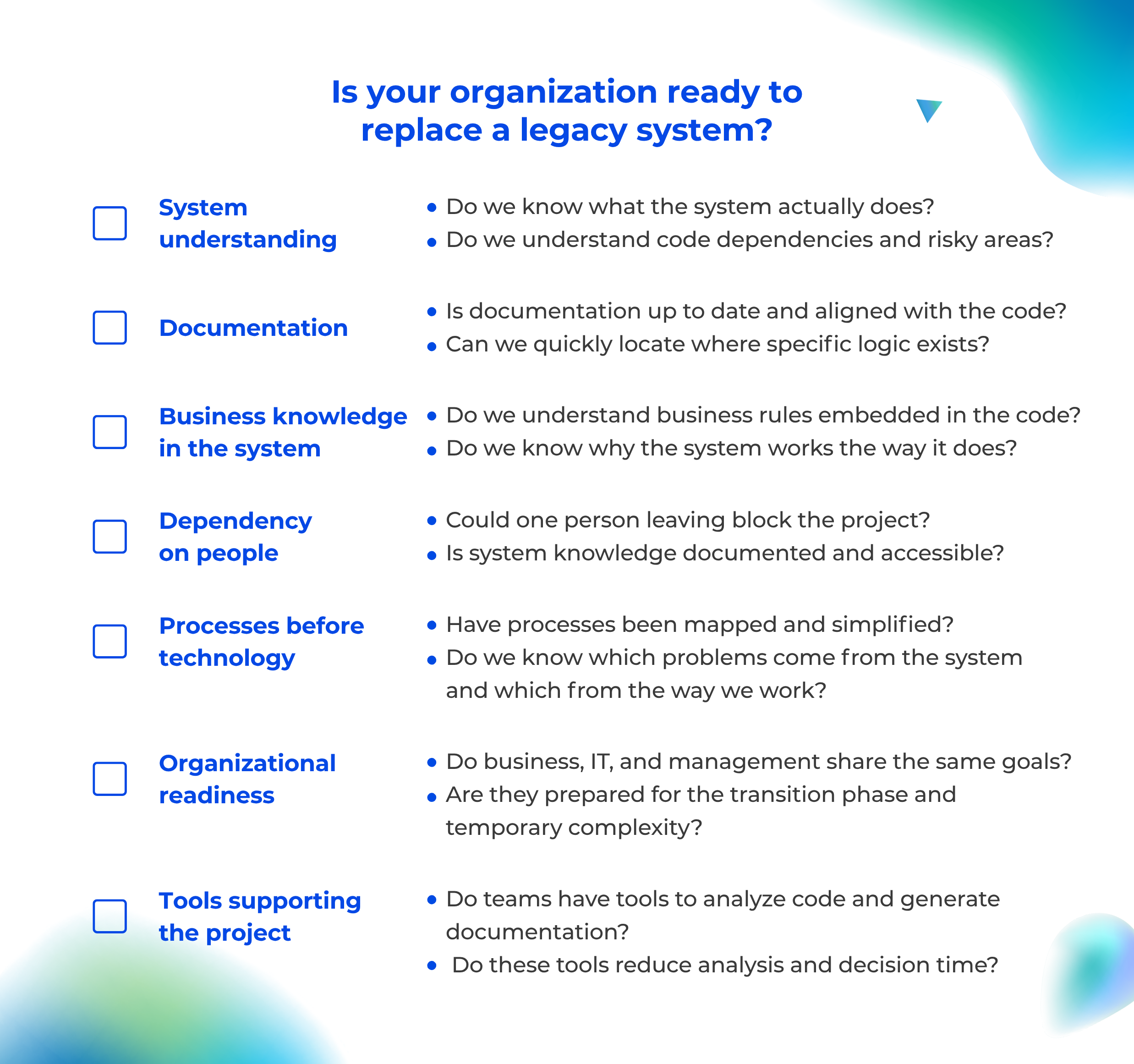
>5 "YES" → readiness confirmed;
many "NO" → decision is premature
3. Business knowledge hidden in the system
Before changing anything, it is essential to understand why the system behaves the way it does, not only how it works.
- Do we understand the business rules embedded in the code?
- Can we identify the exceptions that “have always worked this way”, are undocumented, and were created in response to real business situations?
- Do we know why the system behaves in a certain way – not just how?
Without uncovering this knowledge, the new system will quickly diverge from real business needs.
4. Dependency on people
- Could the departure of one person delay the project, block decisions, or halt development?
- Does onboarding a new developer take weeks or months and require intensive support from senior engineers?
- Is system knowledge documented, accessible, and reproducible without relying on specific individuals?
If the answer is „no", the replacement project carries very high risk.
5. Processes before technology
A legacy system replacement checklist should include not only technology but also business processes, because they determine whether the new system will truly solve existing problems.
- Have the processes been mapped, understood, and simplified before the planned replacement?
- Do we know which problems result from the system and which result from the way people work?
- Will the new system support improved processes, or simply replicate the old solution?
Poor processes transferred into a new system = new legacy version 1.0.
6. Organizational readiness for system replacement
- Do business, IT, and management share common goals, understand the scope of change, and accept the temporary disruption?
- Is the organization ready for a transitional stage involving parallel operation of two systems and gradual decommissioning of the old one?
- Is the replacement a strategic decision rather than a reaction to temporary frustration?
7. Tools supporting the decision and the project
- Do teams have tools that help them understand unfamiliar systems, generate documentation from code, and quickly retrieve knowledge?
- Does the documentation support developers, facilitate collaboration with business stakeholders, and shorten analysis time?
Without tools that support system understanding, replacement becomes a project based largely on assumptions.
What does the checklist result tell you?
Mostly “YES” answers
→ The organization is in a much better position to proceed with a replacement decision.
Many “NO” or “WE DON’T KNOW” answers
→ The replacement decision is premature and carries significant risk. In such cases, the first step should not be replacing the system, but rather uncovering knowledge hidden in the code, organizing documentation, and building a shared understanding of the system.
Before replacing the system – understand it first
Legacy system replacement projects rarely fail because the new technology is poor. They fail because the organization did not fully understand what it was replacing.
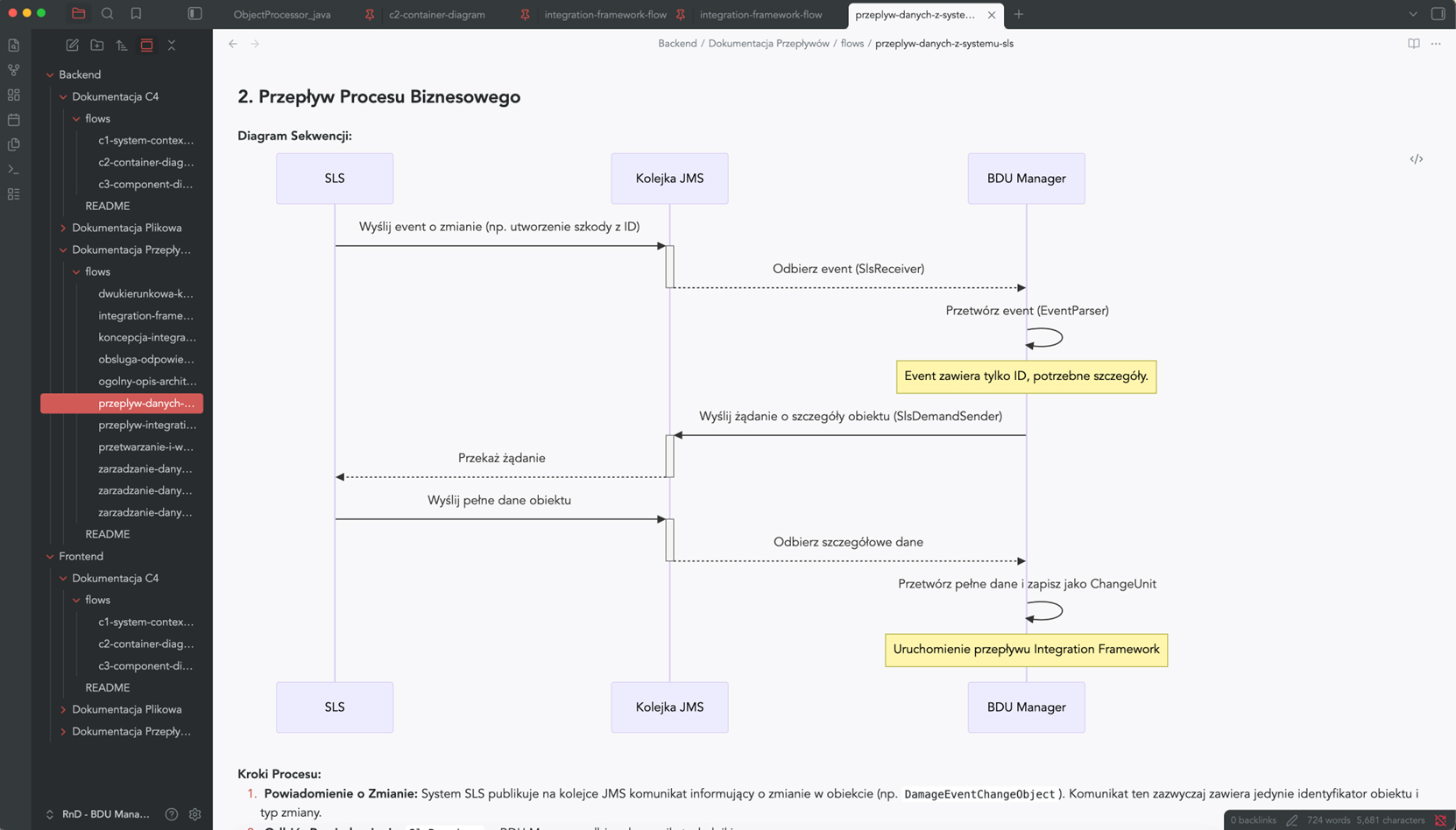
Legacy Documentation Automation
Knowledge about your
system architecture can update itself
Wiedza o architekturze systemu może aktualizować się sama
Instead of manually rewriting code structures and wasting time in Confluence, implement S*.doc.
Our AI agents automatically map your application architecture, while your team gets a RAG bot integrated with Microsoft Teams that can answer any question about the system directly from the source code.
Automatic generation of Java/C# documentation
Code documentation
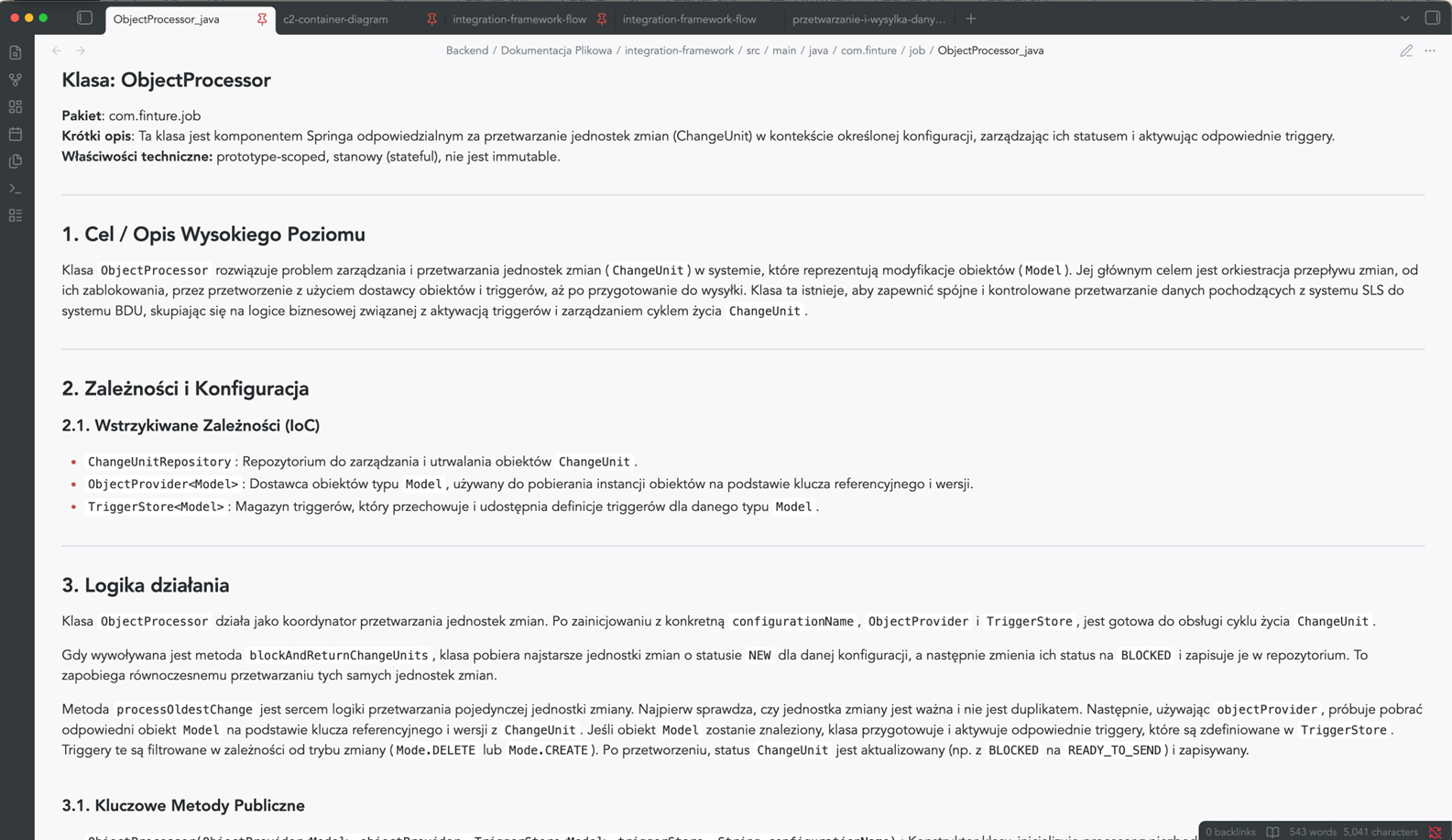
Generated automatically, taking into account the specific features of the programming language – Java, C#, TypeScript, C++. It divides the content into logical sections, omits irrelevant elements and allows you to tailor the type of documentation to the audience: technical for developers or simplified for end users.
- A clear, structured description of each module
- Automatic skipping of boilerplate and generated code
- The ability to generate a report on compliance with safety guidelines or a report on technological optimisation
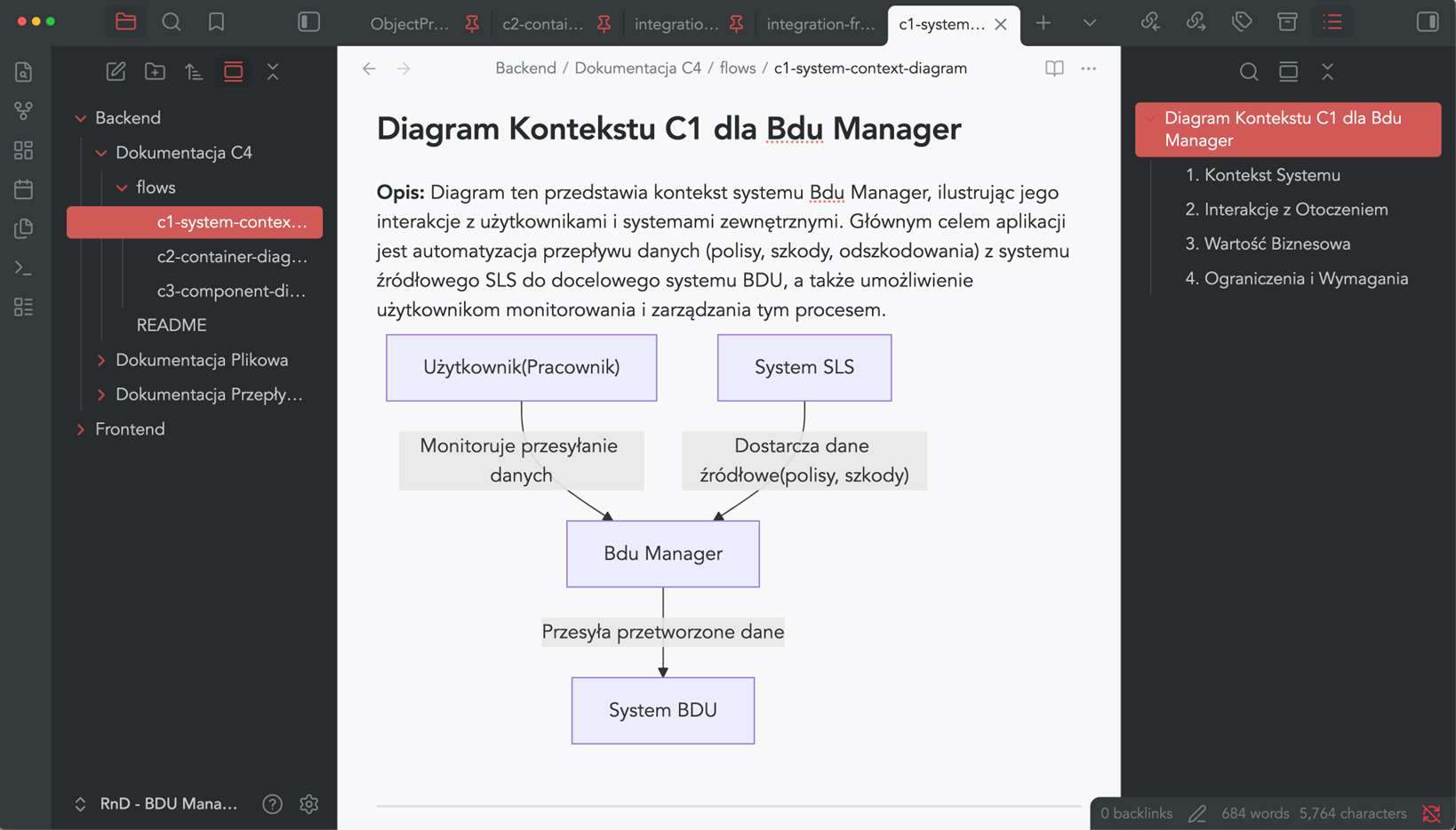
Architectural visualisation of C4 & Mermaid
Architectural documentation in accordance with the C4 model
S*.doc automatically generates Mermaid diagrams for the context, container and component views – in accordance with the widely recognised C4 model.
So, no more manually drawing diagrams that become outdated after the first sprint.
- Consistent visual representation of the architecture at various levels of detail
- A clear presentation for the board, auditors and new team members
Business Process Mapping (BPM)
Business process documentation
S*.doc models the flows within the system and how its components interact – process steps, interdependencies between components, and data exchange points.
Instead of asking, “How does it work with other things?” – you can check it out in 30 seconds.
- Visualisation of user journeys and communication between services
- A description of the internal logic in language that is understandable to both business and technical staff
- Support for retrospective code reviews and dependency analysis