Legacy System Replacement Projects – Why Do They Fail?
Replacing a legacy system often begins with great expectations: a new system, better quality, and the end of long-standing problems. However, market experience and statistics are clear – legacy system replacement projects are among the most risky IT initiatives. Why does this happen, and what causes even well-planned projects to fail?
1. The organization does not fully understand the system it wants to replace
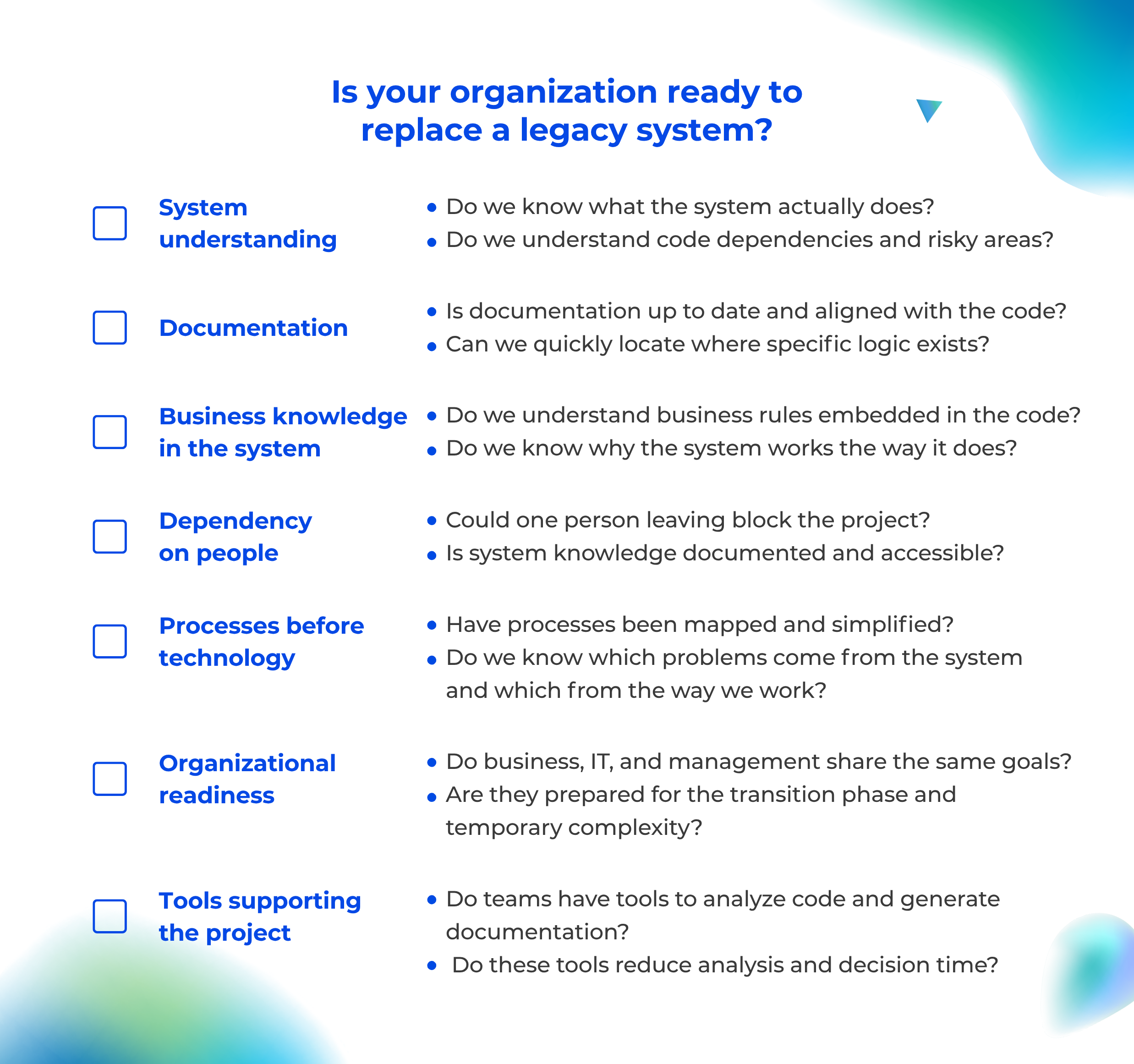
This is the most common and fundamental issue. Many organizations decide to replace a system without having a complete understanding of its functionality. They lack knowledge about the real dependencies in the code, an understanding of non-standard behaviors, and awareness of which components are critical and which are marginal.
As a result, the new system is designed based on declarations, simplified descriptions, and fragmented knowledge – in other words, on how we think the system works, not how it actually works.
You cannot effectively replace something you do not truly understand.
2. Lack of legacy system documentation
In legacy system replacement projects, a difficult truth quickly emerges: the documentation is outdated, describes the system as it existed years ago, covers only fragments of functionality – or does not exist at all.
The lack of documentation leads to incorrect design assumptions and underestimation of the project scope. It also creates communication problems between teams, endless clarification loops, and dependence on individual experts. Moreover, when system knowledge exists mainly in the code and in the heads of developers, the replacement project starts on an extremely fragile foundation.
3. Attempting to replicate the old system 1:1 – the feature parity trap
This is one of the biggest paradoxes of system replacement. The organization wants to eliminate legacy problems but simultaneously requires the new system to behave exactly the same as the old one. This is known as the feature parity trap – the team focuses on copying every functionality of the old system instead of redesigning it thoughtfully.
The result is predictable: old errors and workarounds are transferred to the new system, poor architectural decisions are preserved, and the new solution becomes highly complex from the very beginning.
Without truly understanding why the system behaves the way it does, it is impossible to decide consciously which elements should remain and which should disappear.
4. Underestimating knowledge migration – not only data migration
Replacing a system is not only about migrating data, building integrations, and running tests. It is primarily about migrating knowledge: business rules embedded in the code, edge cases that “have always worked this way”, undocumented logic, and decisions made years ago.
If this knowledge is not uncovered, documented, and shared with the entire team, the new system will start operating with an incomplete understanding of the business reality.
5. Dependency on people instead of knowledge
In many replacement projects, critical information comes from a few long-tenured employees or individual developers who “remember how things work”. This is a major risk. Such knowledge is subjective, often incomplete, and does not scale. Most importantly, it disappears when those people leave the organization.
A project that is critical to the business cannot rely on the memory of individuals.
6. Lack of tools supporting system understanding
Many teams attempt to read the code manually, create documentation from scratch, and reconstruct the system based on tickets and commit history. This approach is time-consuming, error-prone, and frustrating. Yet the key question in any replacement project is simple: How can we quickly and reliably understand a system that no one fully understands anymore?
Documentation as the foundation of a successful replacement
This is why complete, up-to-date, and accessible documentation is one of the key success factors in legacy system replacement projects. It is not about static files or documents created “for the moment.” It is about documentation generated from the code itself – documentation that reflects real dependencies and evolves alongside system changes. Such documentation enables teams to ask questions and obtain reliable answers.
Legacy system replacement projects – start with understanding
The most common reason legacy system replacement projects fail is not technology. It is a lack of knowledge about what is actually being replaced. This is why so many projects fail to deliver the expected value. The issue is rarely the technology itself. The real problem lies in insufficient documentation, limited access to knowledge, and the lack of tools that help teams truly understand the system.
Legacy Documentation Automation
Knowledge about your
system architecture can update itself
Wiedza o architekturze systemu może aktualizować się sama
Instead of manually rewriting code structures and wasting time in Confluence, implement S*.doc.
Our AI agents automatically map your application architecture, while your team gets a RAG bot integrated with Microsoft Teams that can answer any question about the system directly from the source code.
Automatic generation of Java/C# documentation
Code documentation
Generated automatically, taking into account the specific features of the programming language – Java, C#, TypeScript, C++. It divides the content into logical sections, omits irrelevant elements and allows you to tailor the type of documentation to the audience: technical for developers or simplified for end users.
- A clear, structured description of each module
- Automatic skipping of boilerplate and generated code
- The ability to generate a report on compliance with safety guidelines or a report on technological optimisation
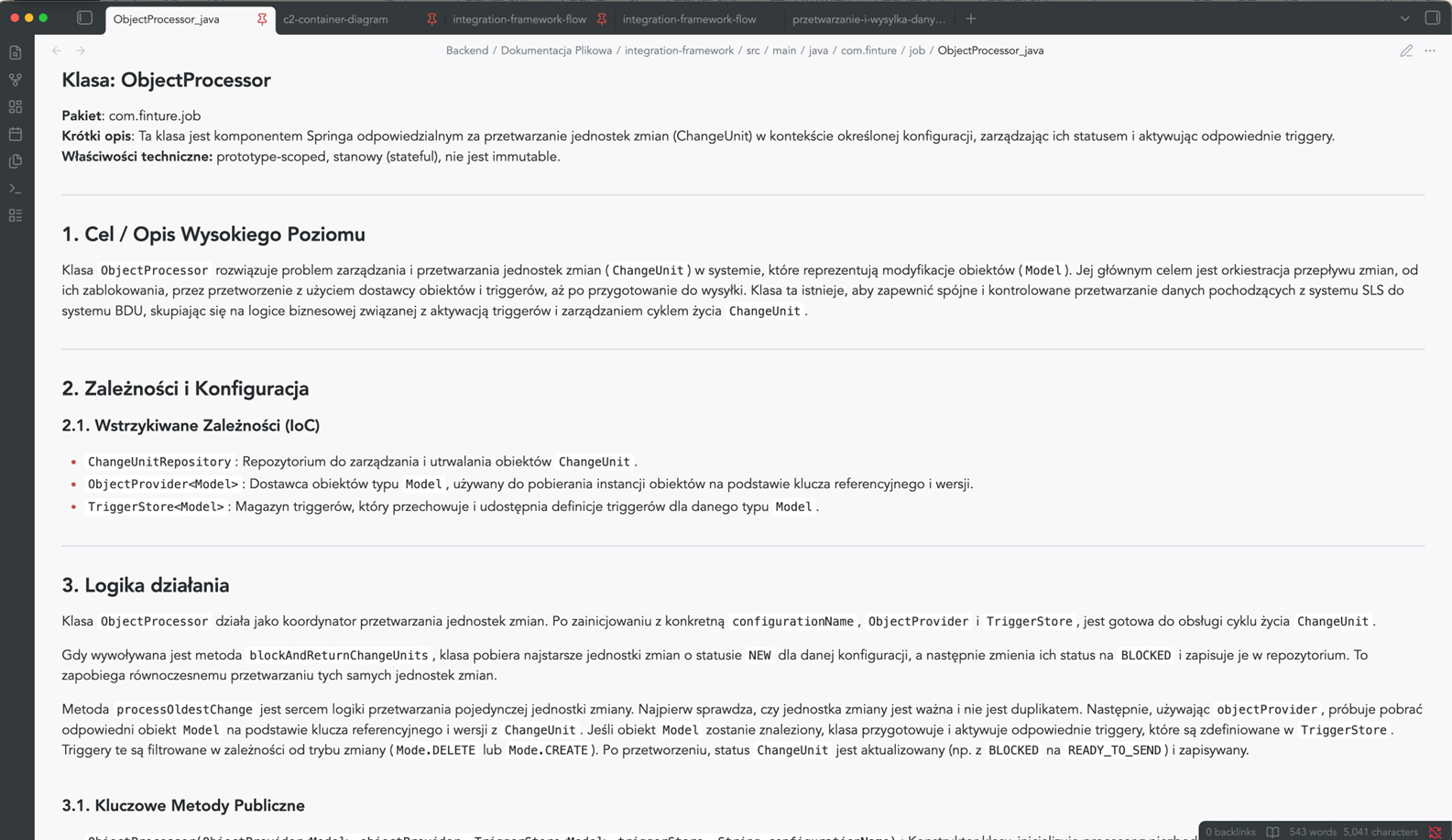
Architectural visualisation of C4 & Mermaid
Architectural documentation in accordance with the C4 model
S*.doc automatically generates Mermaid diagrams for the context, container and component views – in accordance with the widely recognised C4 model.
So, no more manually drawing diagrams that become outdated after the first sprint.
- Consistent visual representation of the architecture at various levels of detail
- A clear presentation for the board, auditors and new team members
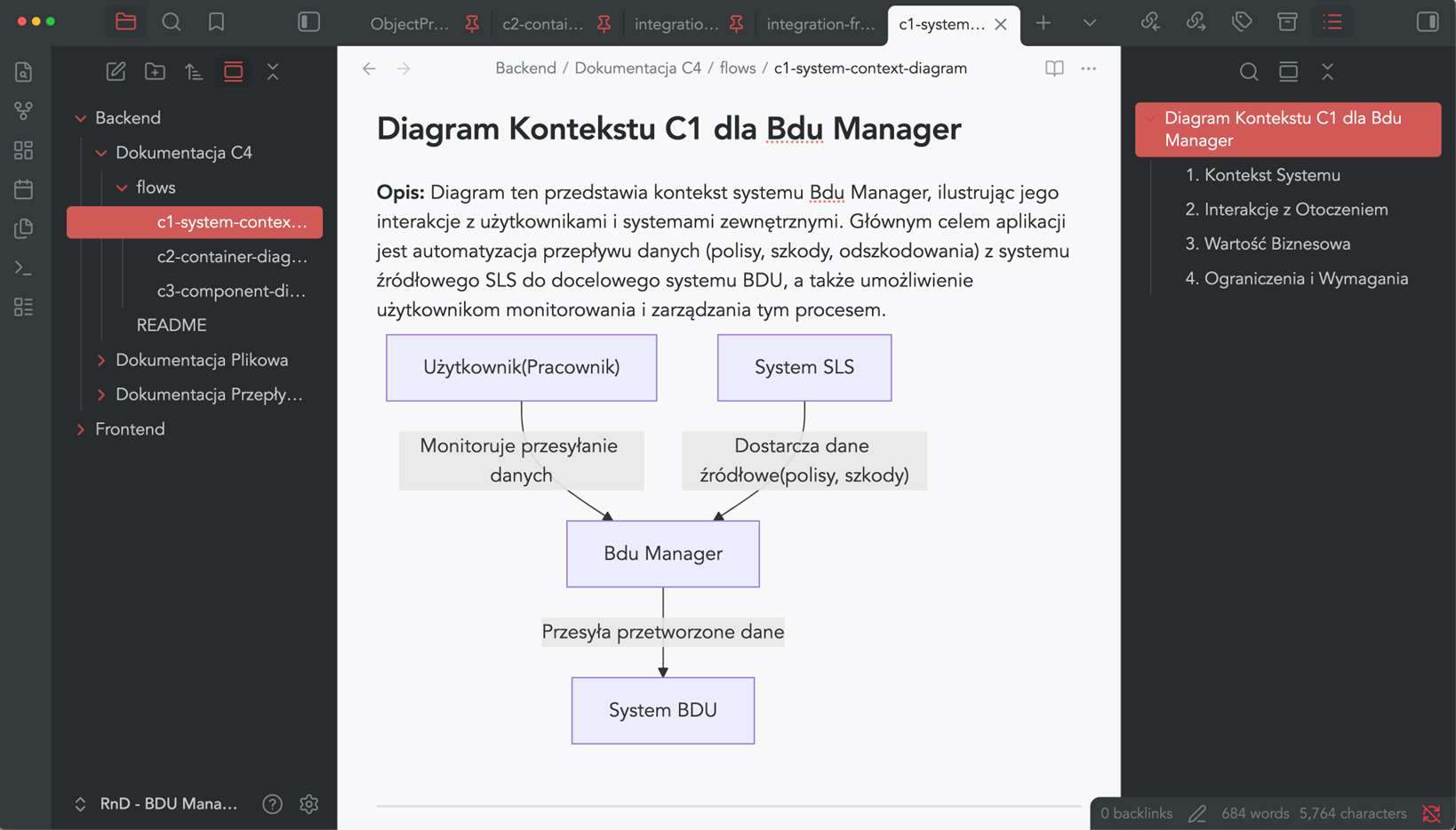
Business Process Mapping (BPM)
Business process documentation
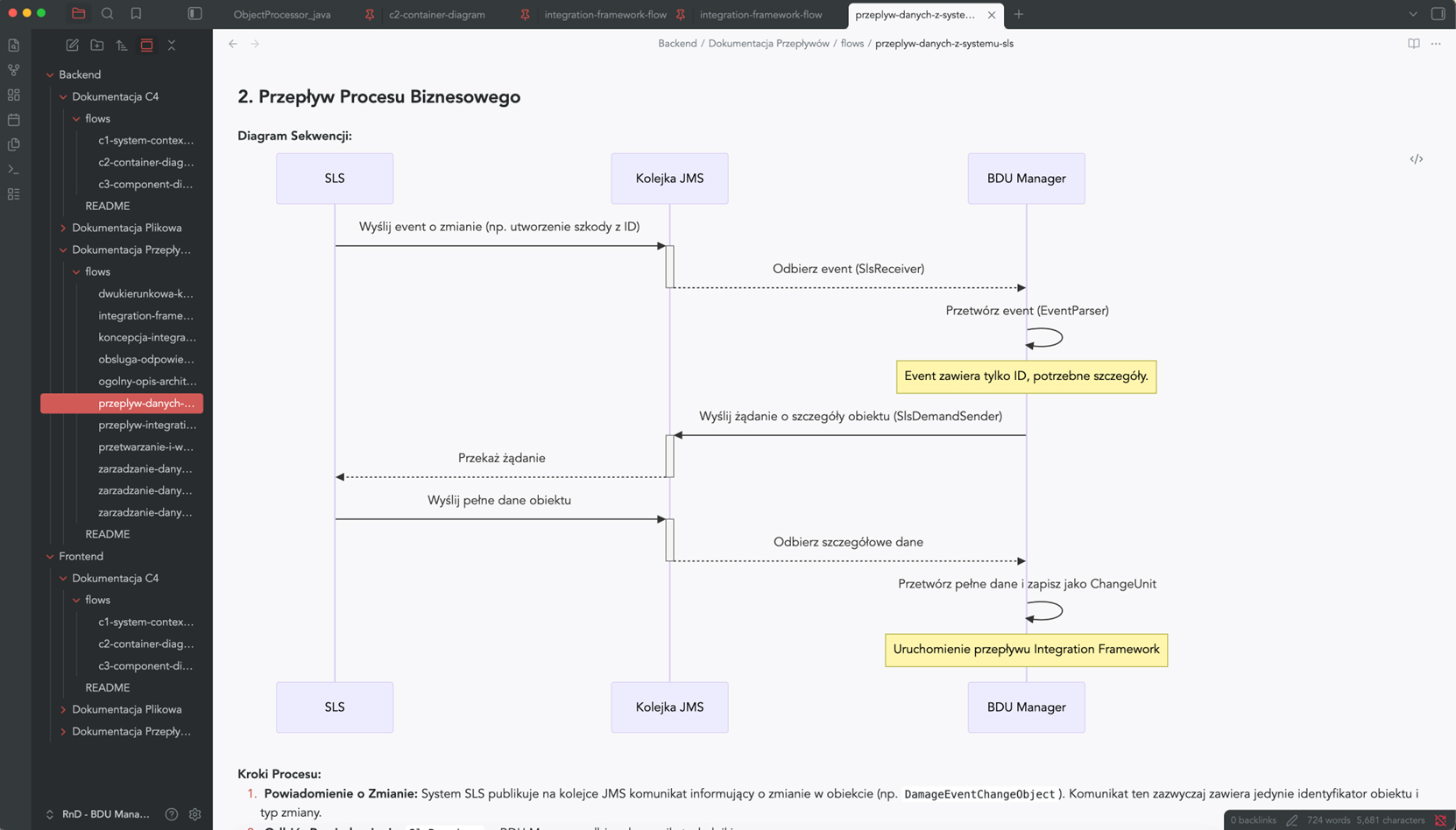
S*.doc models the flows within the system and how its components interact – process steps, interdependencies between components, and data exchange points.
Instead of asking, “How does it work with other things?” – you can check it out in 30 seconds.
- Visualisation of user journeys and communication between services
- A description of the internal logic in language that is understandable to both business and technical staff
- Support for retrospective code reviews and dependency analysis